Wifi.Deals

Modem Router Deals: All-in-One DSL, Cable and Fibre

A modem router puts the modem and the router in one box, so your line plugs straight in with nothing in between. It suits anyone replacing a provider's box outright, or anyone short on space and sockets. Check three things. First, your line type: a DSL unit will not work on fibre or cable, and the three are not interchangeable, so match the device to the connection you actually have. Second, whether your provider allows its own box to be replaced, and what login details you will need. Third, the Wi-Fi inside, because you are buying the router half at the same time.

Related: Router and Mesh system.

Prices and availability are accurate as of the date/time indicated and are subject to change. Any price and availability information displayed on Amazon at the time of purchase will apply to the purchase of this product.

ARRIS Surfboard G54 DOCSIS 3.1 Multi-Gig Modem & Wi-Fi 7 Router | BE18000

ARRIS Surfboard G54

Cable broadband modem and Wi-Fi 7 router in one

1 unit· Wi-Fi 7· Tri-band· 2.5 Gbps

$453.62

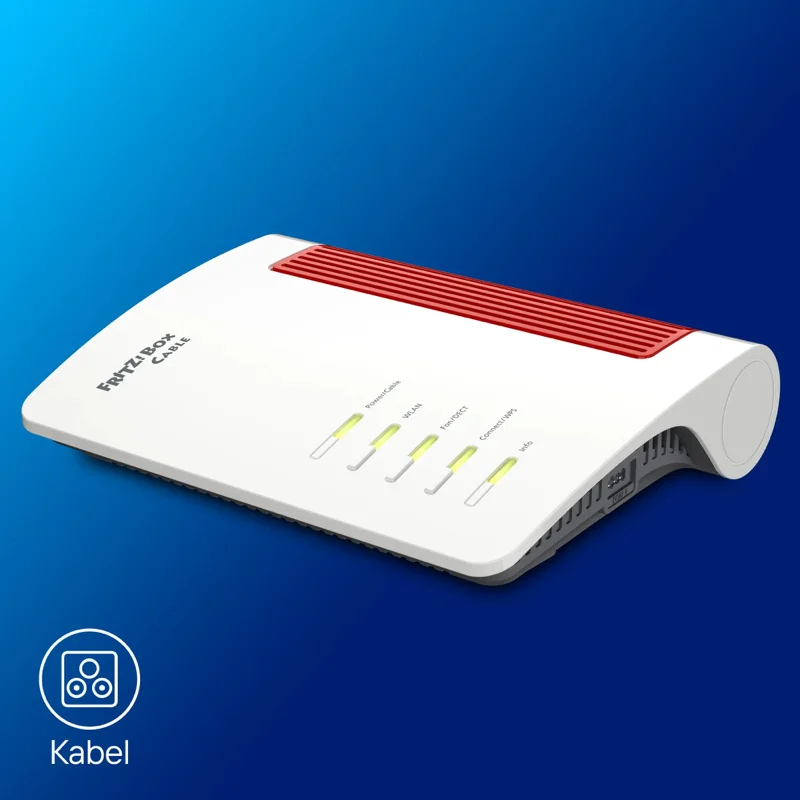
AVM FRITZ!Box 6670 Cable 1-pack modem router

AVM FRITZ!Box 6670 Cable

Cable modem router with Wi-Fi 7 and Zigbee

1 unit· Wi-Fi 7· Dual-band· 2.5 Gbps

$427.00

ARRIS Surfboard G36 DOCSIS 3.1 Multi-Gig Modem & Wi-Fi 6 Router | AX3000

ARRIS Surfboard G36

Cable broadband modem and router in one

1 unit· Wi-Fi 6· Dual-band· 2.5 Gbps

$252.69

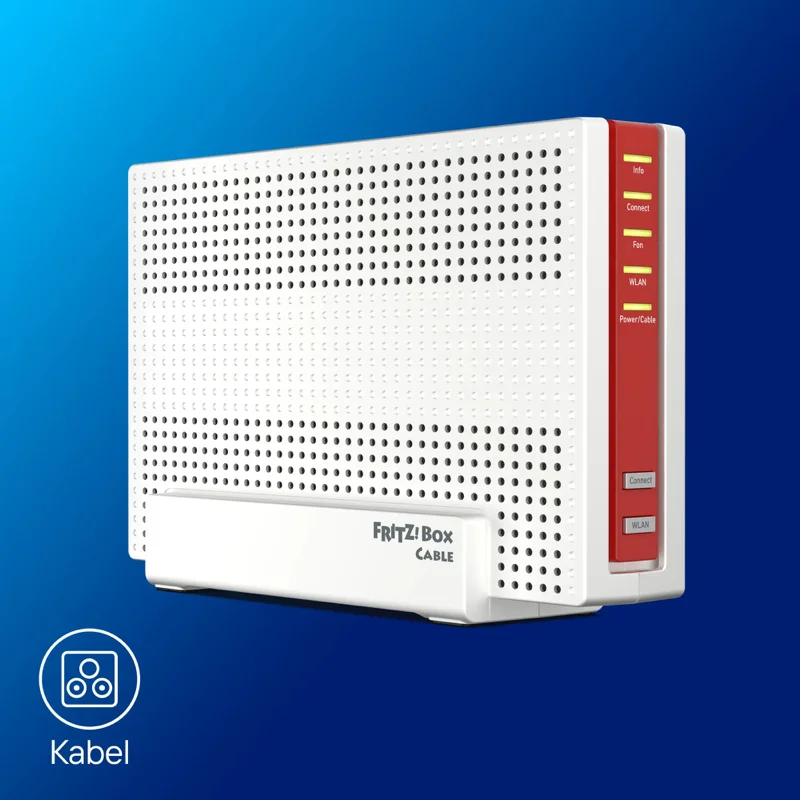
AVM FRITZ!Box 6690 Cable 1-pack modem router

AVM FRITZ!Box 6690 Cable

Cable modem router with Wi-Fi 6 and telephony

1 unit· Wi-Fi 6· Dual-band· 2.5 Gbps

$460.00

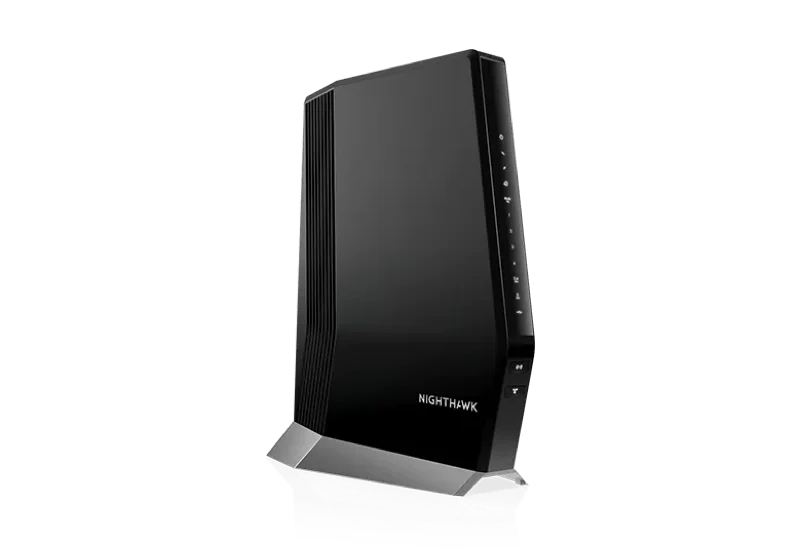
Netgear Nighthawk CAX80 1-pack modem router

Netgear Nighthawk CAX80

Cable modem router combo, AX6000 class

1 unit· Wi-Fi 6· Dual-band· 1 Gbps
Save $50.99

$449.00

$499.99

Modem router questions

Will a modem router work on my connection?
Only if it matches your line. DSL units handle telephone-line broadband, cable units handle coaxial, and fibre units terminate an optical line or sit behind an ONT. The specifications here name the line type for each device; if yours is not listed, a separate router behind your provider's box is the safer buy.
Can I replace my provider's box?
In many markets you have the right to use your own equipment, and in Germany that right is explicit. Providers differ on what they will support and some need specific credentials to reconnect. Check with yours before buying, because the device cannot authenticate your line without those details.
Modem router or separate router?
One box means less clutter, one power supply and one thing to configure. Separate boxes let you upgrade the Wi-Fi without touching the line side, and keep working if you change provider technology later. If you expect to move from DSL to fibre, separates age better.
Does an all-in-one compromise the Wi-Fi?
Not inherently: the devices listed here carry current Wi-Fi 6 or Wi-Fi 7 radios. What you cannot do is replace just the Wi-Fi half later. Read the wireless specifications as carefully as the modem side, because you are committing to both at once.

Related categories